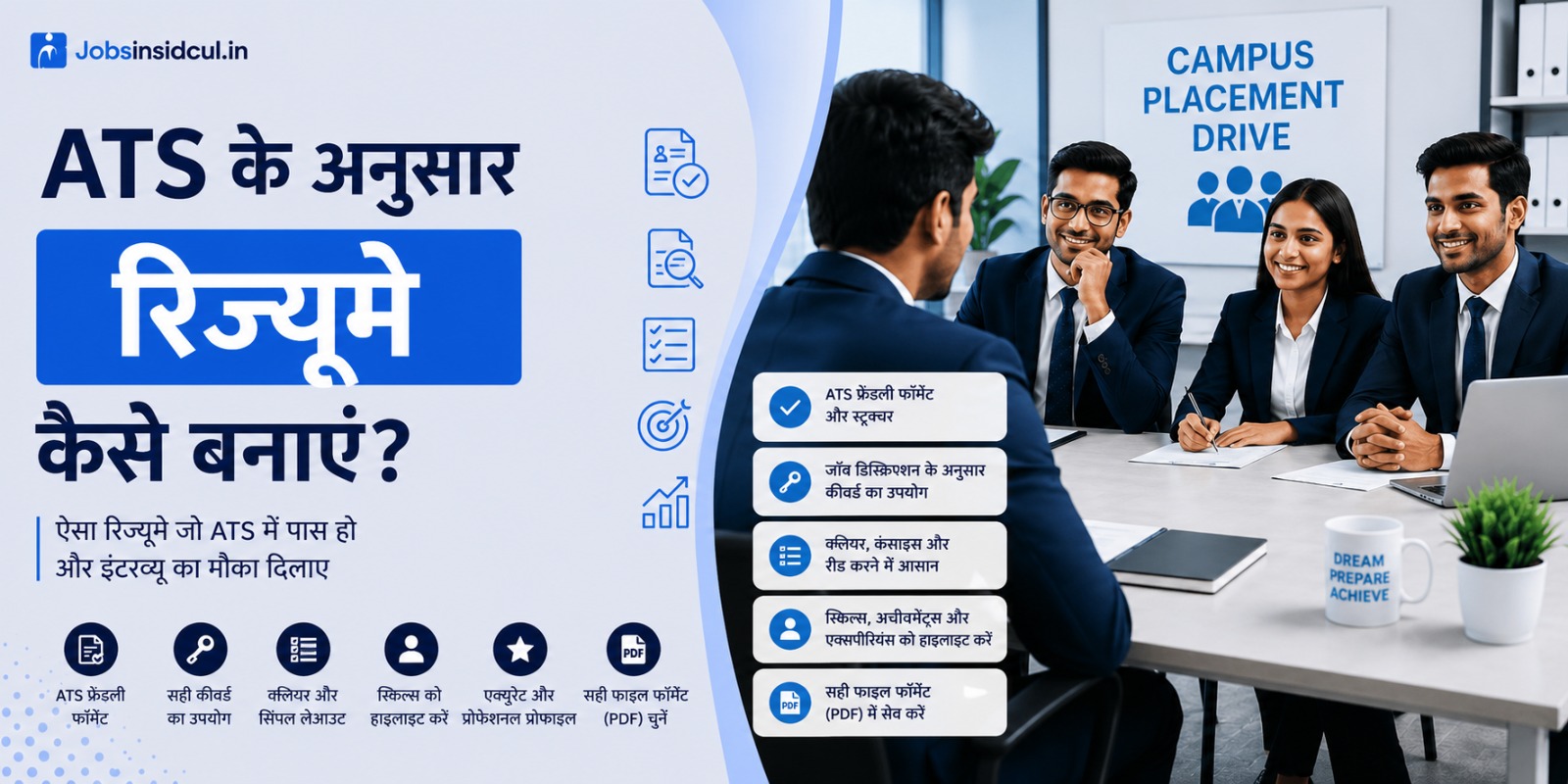
ATS-Friendly Resume क्या होता है? और कैसे बनाएं?
आज के time में job apply करना पहले जैसा आसान नहीं रहा। अब सिर्फ अच्छा resume बनाना काफी नहीं है — उसे ATS (Applicant Tracking System) भी pass करना जरूरी है।
बहुत से candidates complain करते हैं:
👉 “Resume bheja, par response nahi aaya”
इसका main reason अक्सर यही होता है कि उनका resume ATS-friendly नहीं होता।
आज हम simple language में समझेंगे:
✔️ ATS-friendly resume क्या होता है
✔️ कैसे बनाएं (step-by-step)
✔️ कौन सी mistakes avoid करें
✔️ और आखिर में FAQs
ATS क्या है? (What is ATS?)
ATS एक software system है जो कंपनियां resumes को scan, parse और filter करने के लिए use करती हैं। जब आप job portal या company website पर apply करते हैं, तो कोई human नहीं बल्कि यह software पहले आपका resume पढ़ता है।
ATS कैसे काम करता है?
- Resume Parsing – Software आपके resume से information निकालता है (name, contact, skills, experience)
- Keyword Matching – Job description में दिए keywords से match करता है
- Ranking – Match percentage के आधार पर resumes को rank करता है
- Filtering – Low-ranking resumes को reject कर देता है
⚠️ ध्यान दें: 75% से अधिक बड़ी कंपनियां ATS use करती हैं। अगर आपका resume ATS-friendly नहीं है, तो 90% चांस है कि वो कभी human को दिखेगा ही नहीं।
ATS-Friendly Resume क्या होता है?
ATS-Friendly Resume वो resume है जिसे software आसानी से पढ़ और समझ सके। यानी:
- Simple formatting (no complex tables, columns, graphics)
- Standard fonts (Arial, Calibri, Times New Roman)
- Proper section headings
- Correct file format (PDF/DOCX)
- Relevant keywords from job description
मतलब साफ है — ATS के लिए लिखना, humans के लिए नहीं।
ATS-Friendly Resume क्यों ज़रूरी है?
1. पहला इंप्रेशन ATS देखता है
HR तक पहुंचने से पहले ATS आपको पास या फेल करता है।
2. Keyword Matching से selection होता है
Job में जो skills मांगी गई हैं, वो resume में होनी चाहिए। नहीं तो आप reject.
3. Time बचता है
ATS अच्छे candidates को automatic shortlist करता है।
4. Fair Selection
Human bias नहीं है। सिर्फ skills और experience देखे जाते हैं।
ATS-Friendly Resume कैसे बनाएं? (Step-by-Step Guide)
1. Simple Format Use करें
✔️ Single column resume
✔️ No tables / graphics / colors
✔️ Clean layout
👉 Fancy Canva resumes अक्सर ATS में fail हो जाते हैं
2. Standard Headings Use करें
Resume में ये headings जरूर रखें:
- Professional Summary
- Skills
- Work Experience
- Education
👉 Different headings ATS को confuse कर सकते हैं
3. सही Keywords Use करें
Job description को ध्यान से पढ़ें और उसी के keywords use करें
Example:
अगर job में लिखा है:
👉 “Digital Marketing”
तो resume में भी यही exact term use करें
4. Bullet Points में Achievements लिखें
गलत:
❌ Responsible for sales
सही:
✅ Increased sales by 30% in 6 months
👉 Action + Result format ATS और HR दोनों को impress करता है
5. सही Font और Size रखें
✔️ Arial / Calibri / Times New Roman
✔️ Font size: 10–12
👉 Stylish fonts avoid करें
6. File Format सही रखें
✔️ PDF या DOCX
❌ Image, PNG, Canva export avoid करें
7. Skills Section Optimize करें
Skills को category में लिखें:
- Technical Skills
- Tools
- Soft Skills
👉 10–15 relevant skills ही रखें
8. Resume Length
✔️ Freshers → 1 page
✔️ Experienced → 1–2 pages
ATS Resume बनाने में Common Mistakes ❌
❌ Too much design (graphics, icons)
❌ गलत keywords
❌ Spelling mistakes
❌ Fake experience
❌ Paragraph format (bullet points नहीं)
👉 ये mistakes आपके resume को directly reject करा सकती हैं
ATS Resume Example Structure
- Name & Contact Info
- Professional Summary
- Skills
- Experience / Internship
- Projects
- Education
- Certifications
ATS-Friendly Resume Check कैसे करें?
Free Tools:
- Jobscan – Free trial available
- ResumeWorded – Free ATS score check
- TopResume – Free review
- SkillSyncer – Keyword match check
Manual Check:
Resume को Notepad या TextEdit में copy-paste करके देखें। अगर formatting ठीक दिखे और information readable हो, तो ATS भी समझ जाएगा।
ATS vs Human – Balance कैसे रखें?
ATS-Friendly resume का मतलब यह नहीं कि humans के लिए boring हो। Balance बनाएं:
For ATS: Keywords, simple format, standard headings
For Humans: Quantifiable achievements, action verbs, clean design
Example Balance:
Heading: Work Experience ✅
Content: “Increased team productivity by 30% by implementing agile methodologies” ✅ (ATS + Human friendly)
Final Check – ATS-Friendly Resume Checklist
✅ Standard font (Arial/Calibri)
✅ No tables, columns, graphics
✅ Single column layout
✅ Standard section headings
✅ Keywords from job description
✅ DOCX or PDF format
✅ Proper file name
✅ 1-2 pages max
✅ No headers/footers with critical info
✅ Spell check done
अक्सर पूछे जाने वाले प्रश्न (FAQ)
Q1. क्या ATS सिर्फ keywords देखता है?
Answer:नहीं, ATS पूरा resume parse करता है। Keywords important हैं, लेकिन experience, education, certifications सब scan होते हैं।
Q2. PDF या DOCX – कौन सा बेहतर है?
Answer: Generally DOCX more ATS-friendly है। PDF भी तब तक okay है जब तक वो text-based हो और image-based न हो।
Q3. क्या मैं अपनी photo resume पर लगा सकता हूं?
Answer: ATS-friendly resume में photo avoid करें। कई ATS इसे पढ़ नहीं पाते, और कुछ देशों में यह bias का कारण बन सकता है।
Q4.कितने keywords होने चाहिए?
Answer: 30-40 relevant keywords या phrases. Quality over quantity. Natural lage ऐसे include करें।
Q5.क्या हर job के लिए नया resume बनाना पड़ेगा?
Answer: हां, ideally हर job के लिए customize करना best practice है। At least keywords और skills adjust करें।
Q6.क्या ATS Artificial Intelligence use करता है?
Answer: जी हां, modern ATS systems AI और Machine Learning use करते हैं जो resumes को समझते और match करते हैं।
Q7.क्या college students के लिए ATS-format ज़रूरी है?
Answer:बिल्कुल। Internships और entry-level jobs के लिए भी कंपनियां ATS use करती हैं।
Q8.ATS पर resume reject होने पर क्या करें?
Answer:Resume को ATS-friendly format में बदलें
Keywords optimize करें
File format check करें
Multiple versions से apply करें
Q9.क्या ATS सब कुछ पढ़ लेता है?
Answer:सब नहीं। Complex tables, text boxes, headers/footers, और images को कई ATS ignore कर देते हैं या गलत पढ़ते हैं।
Q9.क्या ATS से बचने का कोई तरीका है?
Answer:
बचना नहीं, embrace करना चाहिए। ATS-friendly format बनाना आपके लिए फायदेमंद है क्योंकि इससे आपका resume पहले filtered नहीं होगा।